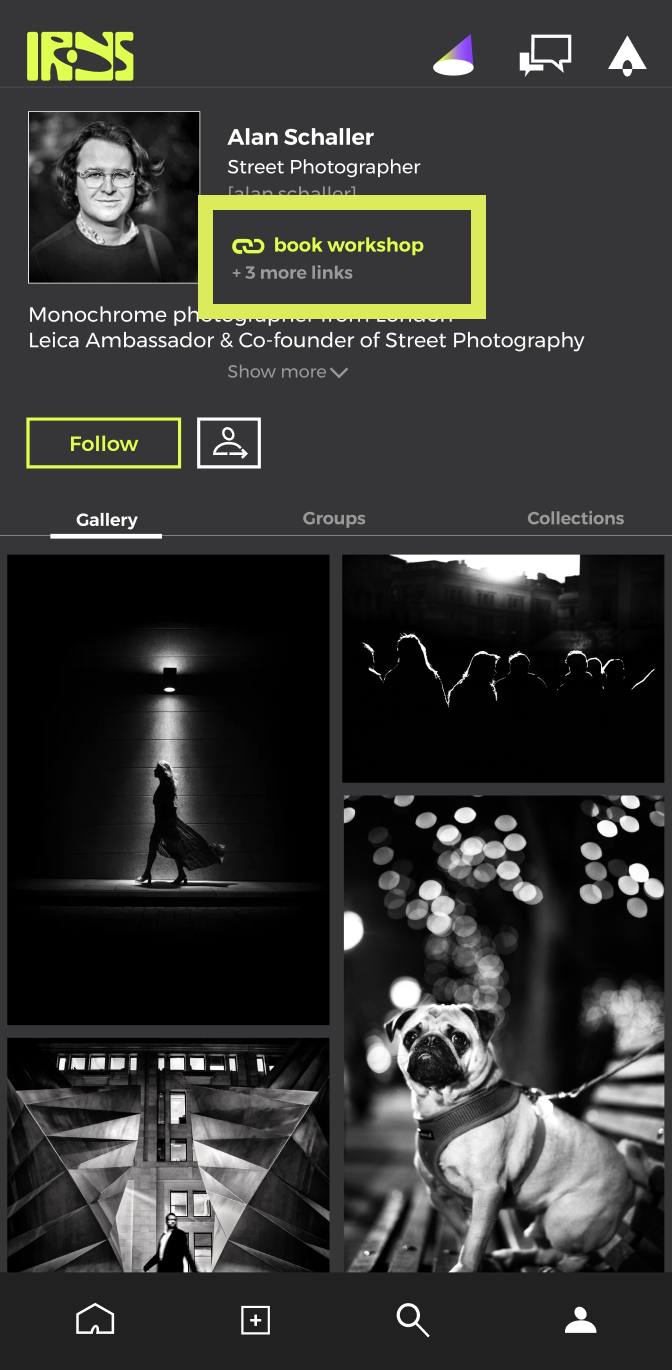
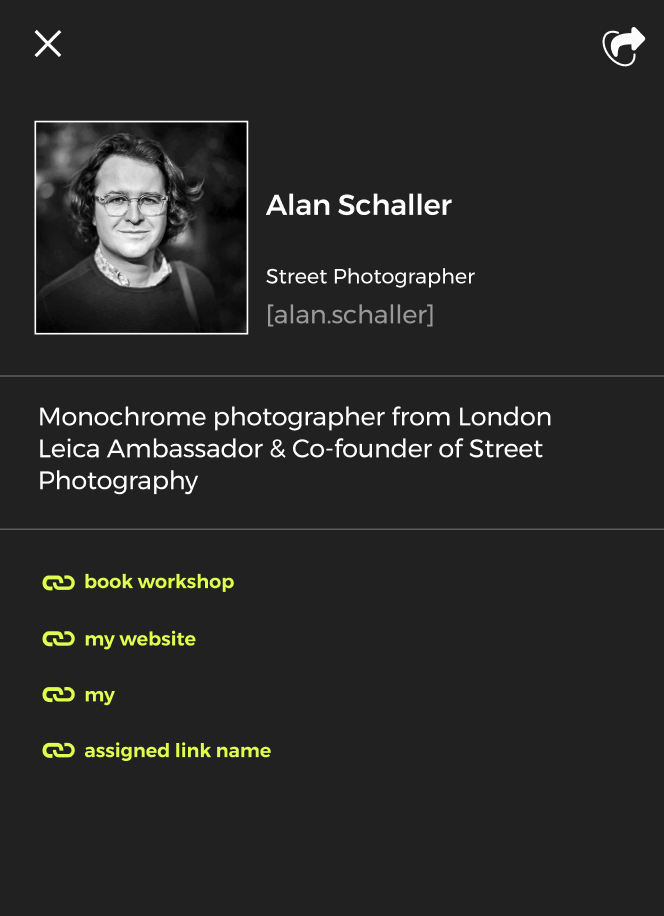
You can add up to 15 links in your profile. In this article, we'll explain how to add, edit and remove links.
How to add a link to your bio
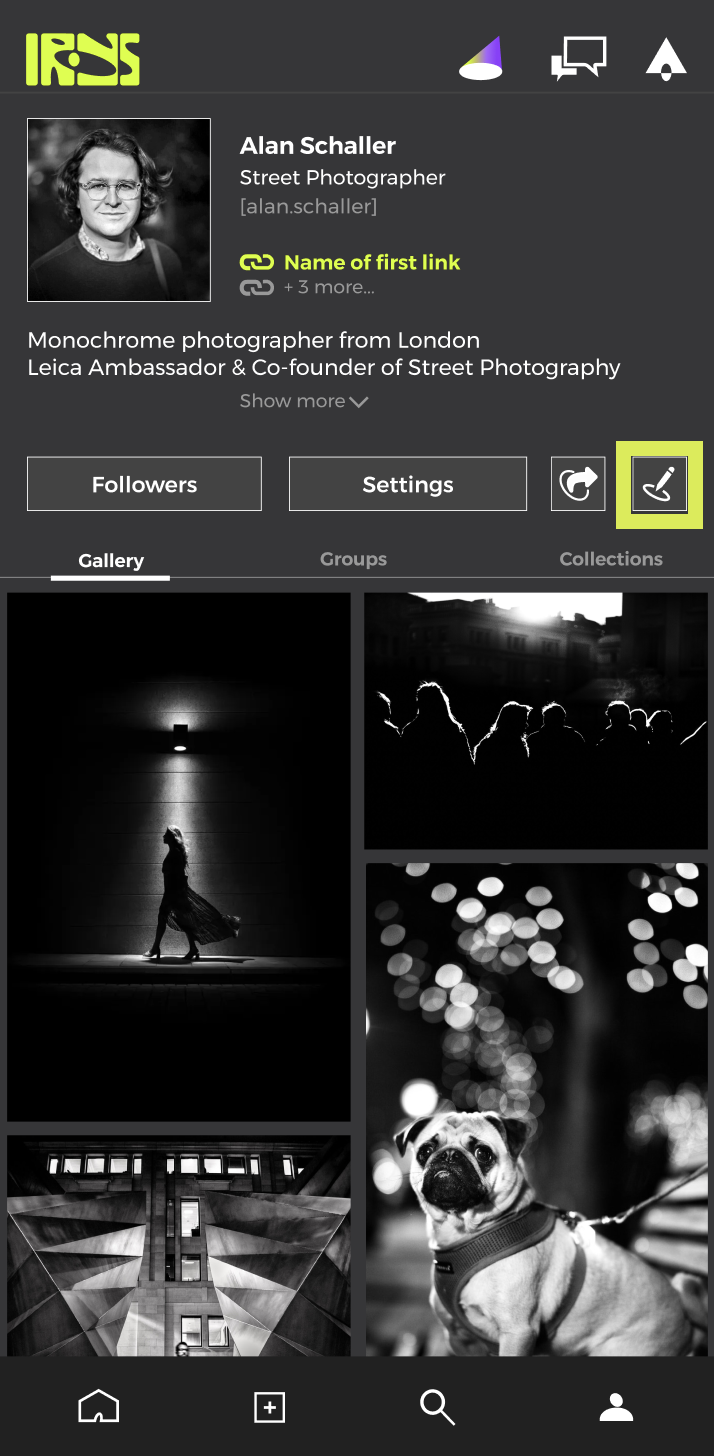
Step 1 - Go to your profile and press the "Edit" button
Step 2 - Press "Links"
Step 3 - Press "Create new link", input the display name and URL then press "Save" then "Save" again on the links page
.
Step 4 - Press "Save" again in the links page
.
Your link should now be showing on your bio. You can view all links on your profile by tapping the profile photo or the "more links" option.