Below, we'll explain how to update your details within the Irys app.
1. Updating your personal details or profile photo
Head to the Irys app, click your profile and click the pencil icon next to "Settings"
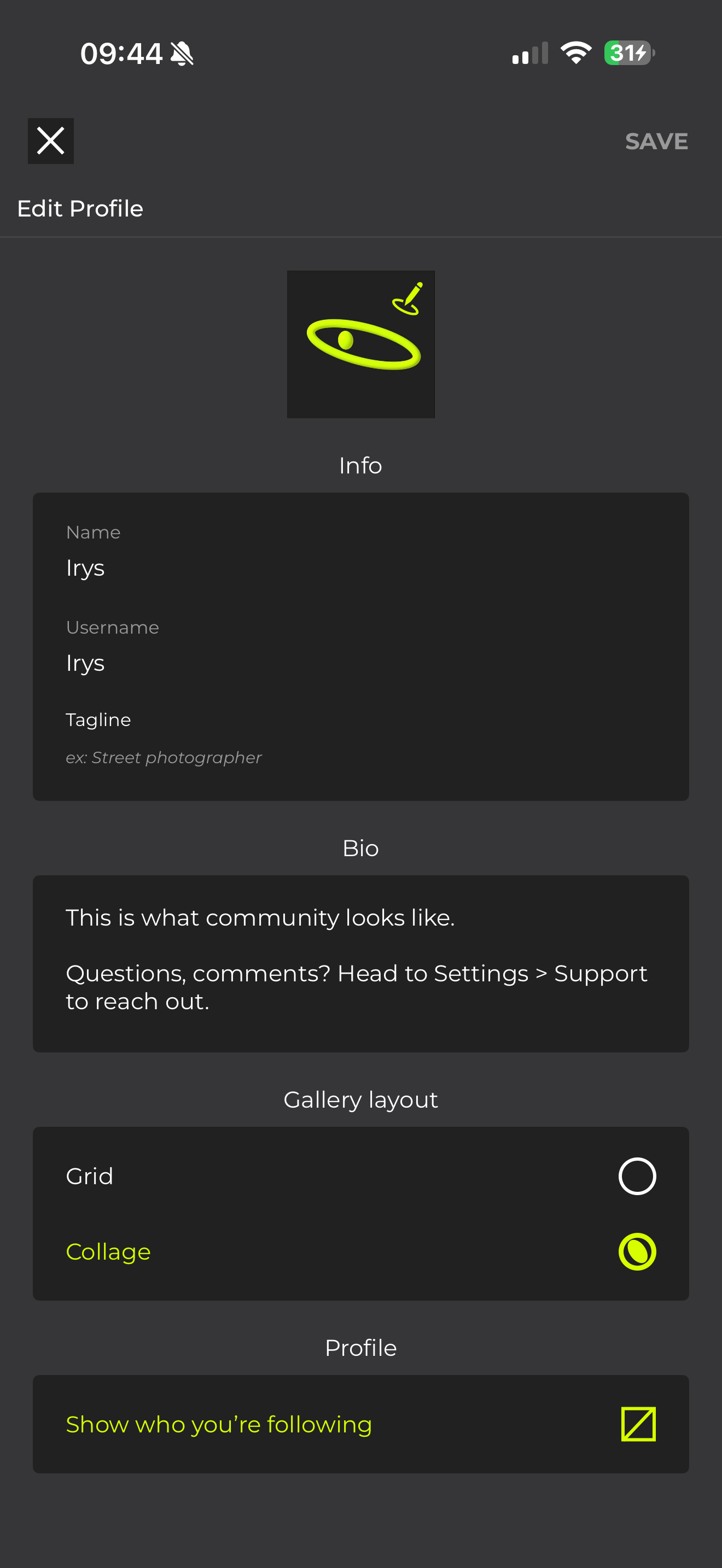
From here, you should now be able to update the following:
- Profile photo (Click the pencil on the photo)
- Name
- Username
- Tagline
- Bio
- Layout of your profile
- Visibility of profiles you follow
2. Updating your email address and password
Please note, currently if you need to update your email address, you'll need to email us at hello@Irysphotos.com and the team will get this changed for you.
To update your password, head back to your profile page, but this time press "Settings" then "Account Details"
From here, click "Change password" and follow the steps on screen.
FAQ
The App says my new username is unavailable, why?
If a username is unavailable, it's usually because either someone else is already using it, or that the name includes a reference to a brand or copyright - If this is the case, only the brand is able to use it.
What does the grid vs collage option do?
On the profile page, the collage option will show the previews of your images in their original aspect ratio, where as grid will show them all as uniform squares.